

Top 83 AI Conference Software Tools and Products
AI Conference Software is a tool that uses artificial intelligence algorithms to provide real-time translation, recording notes, task management, and intelligent reporting based on meeting content and participants' needs. It helps users efficiently organize and manage meetings, ensuring the rapid flow and communication of information. Whether in internal corporate meetings, multinational video conferences, or educational training sessions, AI Conference Software empowers stronger intelligent support, providing business backing to improve reporting and discussion efficiency.
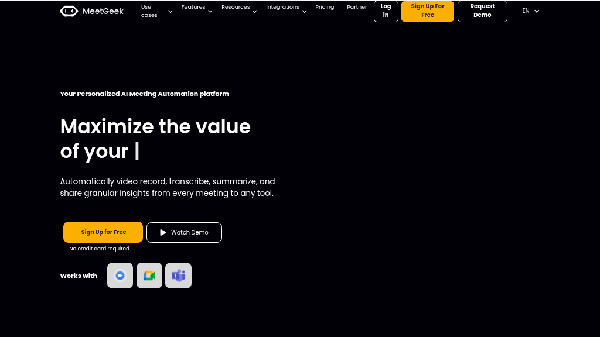

318K+34%
MeetGeek
AI Assistant
AI Conference Software
Featured


597K-2%
Boardmix
AI Assistant
AI Project Management Software
AI Conference Software

49K+36%
Vocol
AI Data Analysis Tool
AI Team Collaboration Software
AI Text Summarization Tool
AI Voice Recognition
AI Voice Assistant
AI Conference Software
Featured
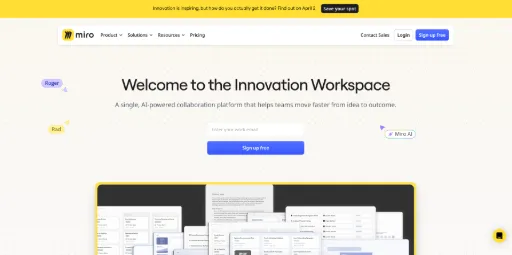

28M+2%
Miro
AI Project Management Software
AI Team Collaboration Software
AI Conference Software
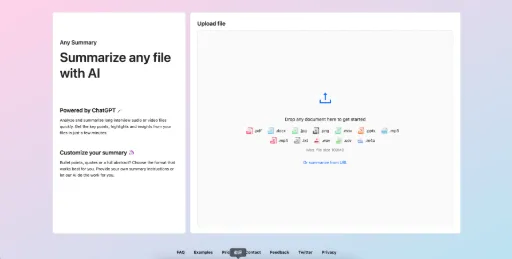

49K-18%
Any Summary
AI Data Analysis Tool
AI Text Summarization Tool
AI Voice Transcription Tool
AI Conference Software


12K-37%
Searchie
AI Video Generator
AI Social Media Assistant
AI Email Marketing
AI Content Generator
AI Video Editor
AI Education Assistant
AI Conference Software
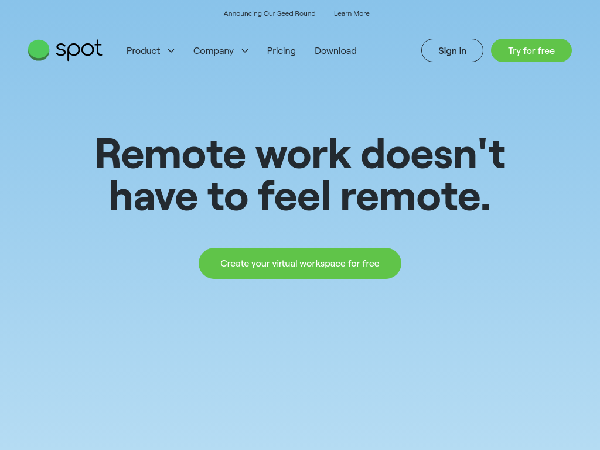

101K+74%
SpotVirtual
AI Video Conference
AI Project Management Software
AI Team Collaboration Software
AI Conference Software
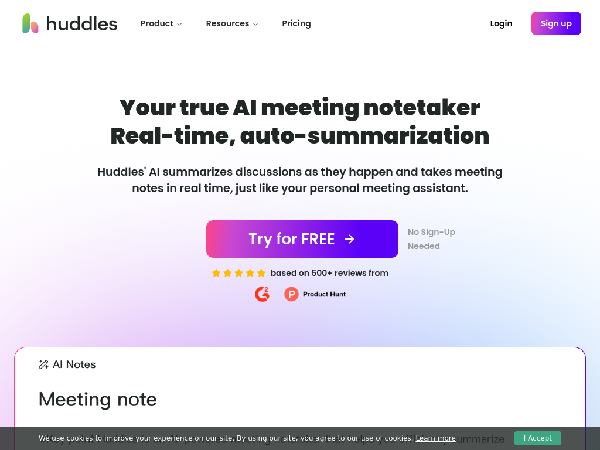

11K+59%
Huddles
AI Note Tool
AI Project Management Software
AI Text-to-Speech Tool
AI Conference Software
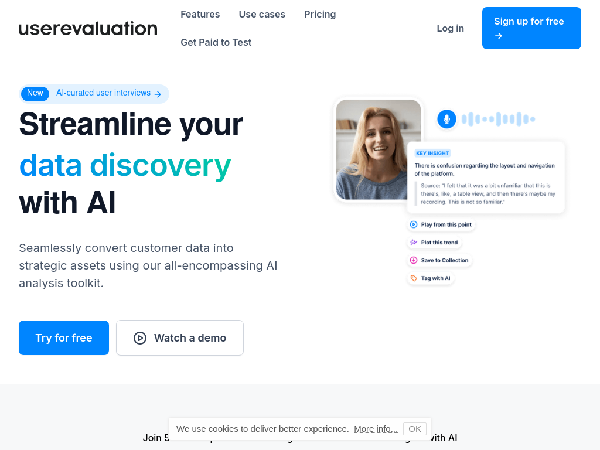

2K-49%
UserEvaluation
AI Data Analysis Tool
AI Research Tools
AI Project Management Software
AI Spreadsheet
AI Report Writing Tool
AI Voice Transcription Tool
AI Conference Software
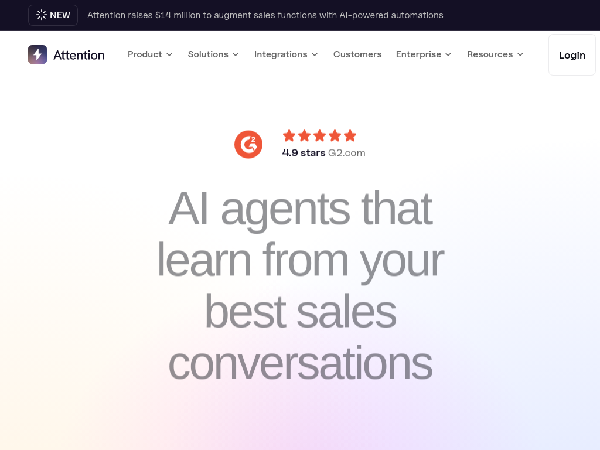

39K+0%
AttentionTech
AI Data Analysis Tool
AI Sales Assistant
AI Email Generator
AI Customer Service Assistant
AI CRM Assistant
AI Monitor and Reporting Generator
AI Education Assistant
AI Conference Software
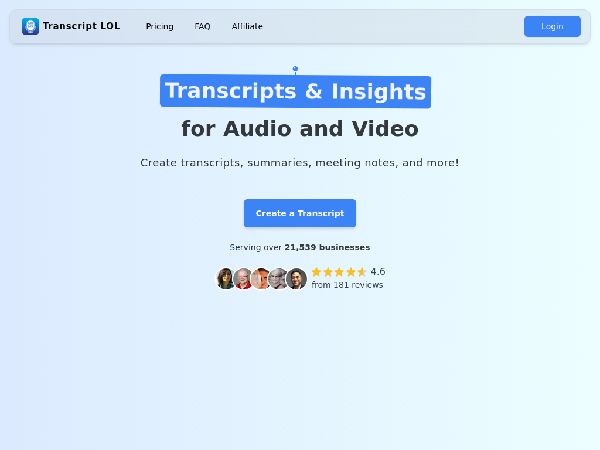

17K-22%
TranscriptLOL
AI Data Analysis Tool
AI Note Tool
AI Text Summarization Tool
AI Content Generator
AI Voice to Text
AI Conference Software
Featured Products

BlurMe
AI-powered instant photo and video blurring

Vogue AI
AI creative tools suite

Nexty
Modern Next.js SaaS starter template

Neural Frames
AI-powered music video generator

Siimple
Three-step professional website builder

FalcoCut
AI-powered social media video generator

XXAI
Free desktop software integrating 15 top AI models

Storydoc
Create stunning interactive presentations easily
Core Features
- Real-time Translation: Supports instant translation between multiple languages, breaking down language barriers.
- Voice Recognition: Converts meeting content into text in real-time, facilitating recording and review.
- Intelligent Scheduling: Automatically allocates meeting times and sends reminder notifications.
- Data Analysis: Generates intelligent reports after meetings, summarizing key points and follow-up tasks.
Applicable Scenarios and Target User Groups
| Scenario | Target Users | User Needs and Pain Points |
|---|---|---|
| Internal Corporate Meetings | Corporate Employees, Management | Improve decision-making efficiency, facilitate collaboration and communication |
| International Conferences | Employees of Multinational Companies, External Meeting Participants | Achieve multilingual communication, enhance communication effectiveness |
| Remote Education Courses | Teachers, Students | Provide convenient learning and communication tools, due to insufficient offline interaction |
Differences and Advantages Over Other Related Types
| Type | Advantages | Differences |
|---|---|---|
| Traditional Video Conference Tools | Offers a rich combination of features | Often lacks intelligent analysis and support features |
| Voice Recognition Tools | Focus on voice-to-text conversion | Cannot handle the multifaceted demands of actual meetings |
Selection and Usage Recommendations
- Assess Needs: Clearly define your use case and participants' requirements.
- Feature Comparison: Compare the core features of different software such as translation, recording, task management, etc.
- User Experience: Choose software with a user-friendly interface, easy operation, and quick response.
- Technical Support: Consider whether necessary technical support and subsequent training are provided.
- Security: Ensure that the platform has data encryption and privacy protection measures to safeguard meeting content.
FAQs


Discover and compare your next favorite tools in our thoughtfully curated collection.
2024 Similarlabs. All rights reserved.
Collections
Designer Tools CollectionCategories
AI Data Analysis ToolAI Content GeneratorAI AssistantAI Social Media AssistantAI Image EditorAI Marketing Plan GeneratorAI Video GeneratorAI Education AssistantAI Writing AssistantExplore
Featured ProductsFree ProductsLatest ProductsDomain Update in 6 MonthsDomain Update in 1 YearTop Traffic ProductsTop Traffic Growth Productsllms.txt2024 Similarlabs. All rights reserved.