


Wondershare UniConverter - Convert and enhance videos effortlessly
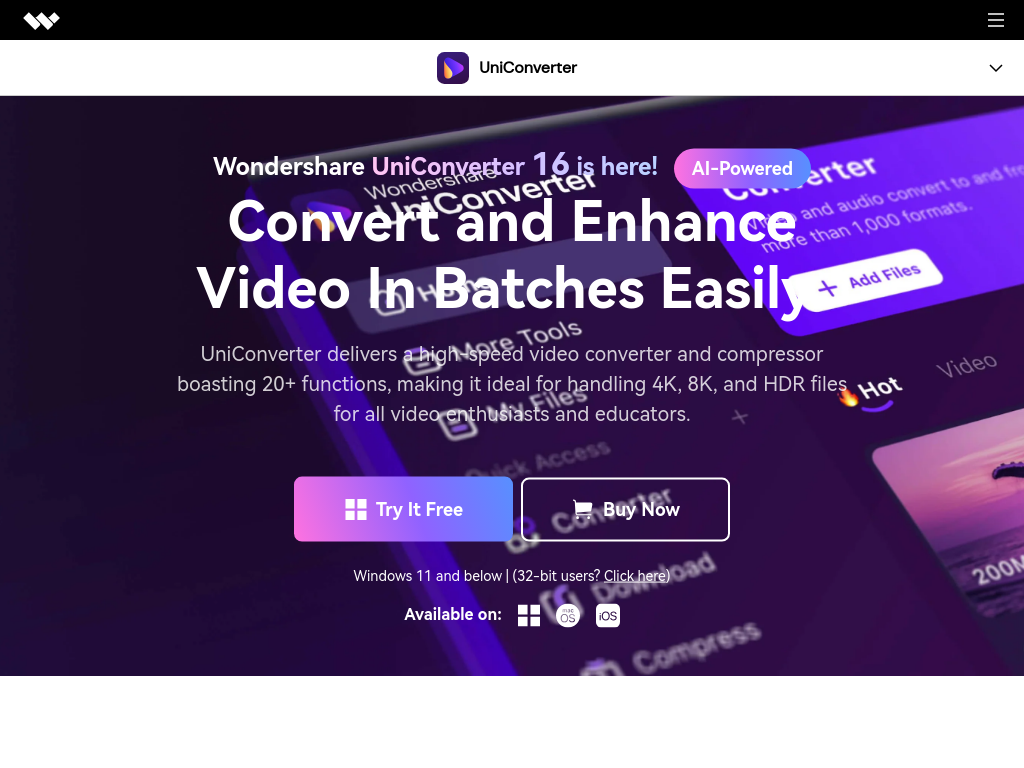
Wondershare UniConverter operates on an advanced algorithm that utilizes AI technology for video enhancement and processing. The software is equipped with a powerful engine that supports high-speed conversions, allowing users to convert videos in various formats without losing quality. The batch processing feature enables users to handle multiple video files simultaneously, significantly improving efficiency and productivity. The AI video enhancer intelligently analyzes the video content, upscaling the resolution and enhancing the overall quality with minimal user intervention. Additionally, the watermark remover and speech-to-text capabilities further streamline the editing process, making it an ideal tool for content creators and educators.
To get started with Wondershare UniConverter, download and install the software on your computer. Once installed, launch the application and import your video files by clicking on the 'Add Files' button. Choose the desired output format from the format list. If needed, apply any editing options like trimming or watermark removal. Finally, click the 'Convert' button to start the conversion process. Your converted files will be saved in the specified output folder.
Wondershare UniConverter 16 is a comprehensive video conversion and enhancement tool that caters to both casual users and professionals. With its AI-powered features, fast processing speeds, and extensive format support, it stands out as a go-to solution for anyone looking to manage their video files efficiently.
Features
Batch Conversion
Effortlessly convert multiple videos at once, saving time and enhancing productivity.
AI Video Enhancer
Automatically enhance video quality by upscaling resolution and improving clarity.
Format Support
Supports over 1,000 video and audio formats for versatile media handling.
High-Speed Conversion
Achieve rapid video conversions at 130X speed without compromising on quality.
Watermark Remover
Easily remove watermarks from videos and images with a single click.
Speech to Text
Accurately transcribe audio and video files into text in multiple languages.
Use Cases
Content Creation
Ideal for content creators who need to convert and edit videos for platforms like YouTube and Vimeo, ensuring high quality and quick delivery.
Social Media Management
Perfect for social media managers looking to compress and format videos for platforms like Instagram and TikTok, enhancing engagement with high-quality posts.
Educational Use
Great for educators who want to convert course materials into video format, making learning more accessible for students.
Video Archiving
Useful for individuals and organizations needing to archive videos in various formats while maintaining quality and accessibility.
Personal Use
Helpful for personal users wanting to convert family videos or home movies into different formats for easier sharing and storage.
Business Presentations
Beneficial for business professionals who need to prepare video presentations or training materials, ensuring compatibility with various devices.
FAQs
Traffic(2025-07)
Monthly Traffic
Traffic Source
Top Keywords
| Keyword | Traffic | Volume | CPC |
|---|
Source Region
Whois
| Domain | videoconverter.wondershare.com |
Featured Products

BlurMe

Neural Frames

Storydoc

Seismic

HypeAuditor

PromptHero

Kittl

Happy Scribe
Related Categories
Copy embed code
Alternative Products


TweetCloner


Fabrile


Celebration.art


Dolphinscribe


Toolbit AI


Image Upsize


Banana AI Image Generator


MMAudio

