


SplitterAi - Empower Your Sound with AI Separation
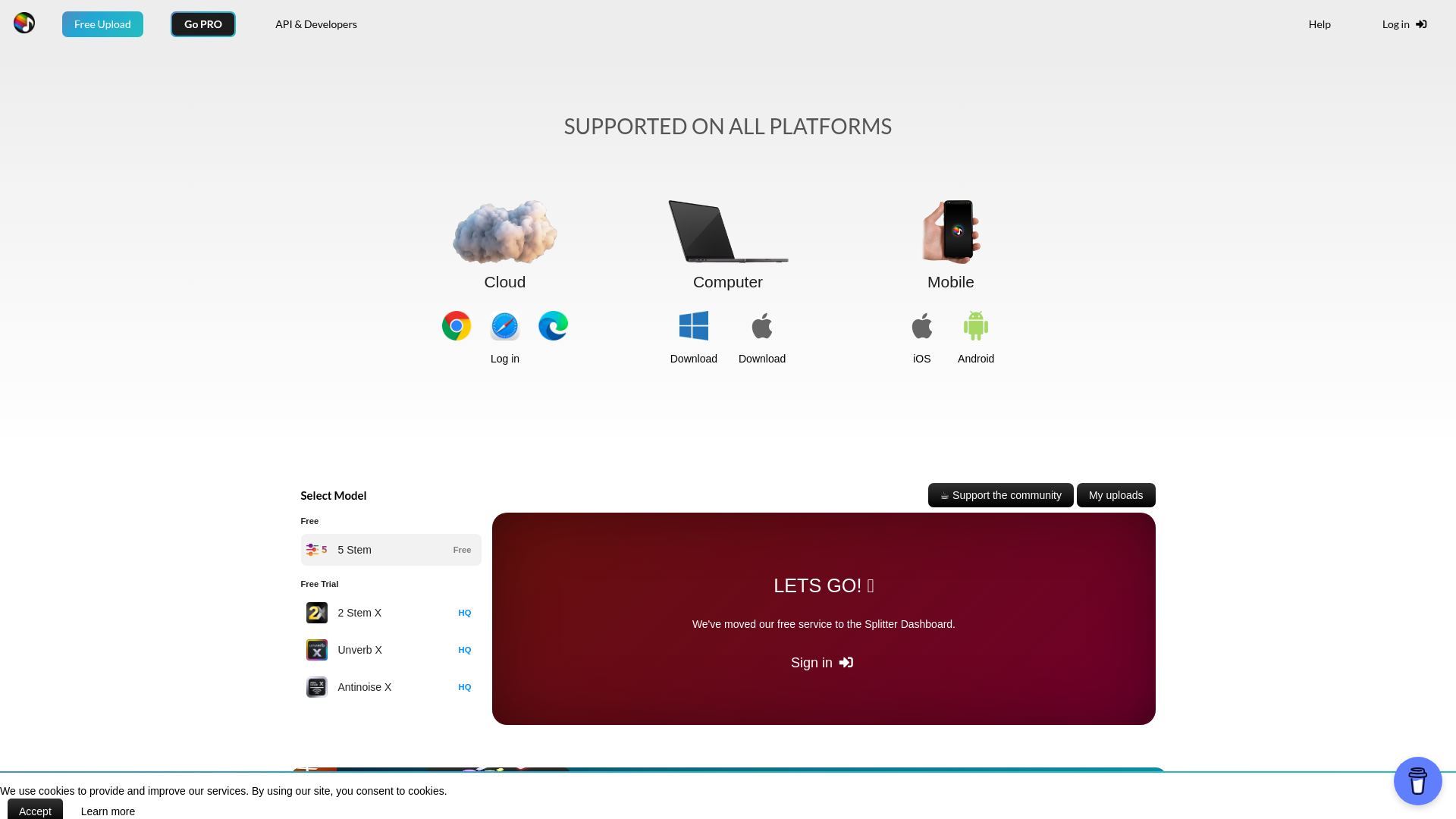
Understanding the principles behind SplitterAi's audio separation technology is crucial to leveraging its full potential. The platform utilizes machine learning algorithms that have been trained on vast datasets of music, enabling it to identify and isolate different audio components with high accuracy. SplitterAi functions through the following processes:
- AI Algorithms: Uses advanced AI models to analyze audio files for component separation.
- Stem Extraction Models: Includes multiple models, like the 2-stem and 5-stem, to meet different user needs.
- Audio Processing: Provides features like reverb removal for a cleaner output.
- User Interface: Designed for intuitiveness, allowing easy uploads and processing of audio.
- Direct Splitting: Enables splitting directly from platforms like YouTube to streamline the workflow.
- Cross-industry applications: Used by various professionals, ensuring widespread versatility and utility. These elements work together to democratize access to professional-grade audio separation, making it possible for anyone to enhance their music production quality efficiently.
Getting started with SplitterAi is simple and straightforward. Here’s how to use this powerful tool effectively:
- Account Creation: Begin by creating an account on the SplitterAi platform.
- Upload Audio: Choose the audio file you wish to process. Supported formats include MP3, WAV, and more.
- Select Stem Model: Depending on your needs, select either the 2-stem or 5-stem processing model. The 2-stem model isolates vocals and instrumentals, while the 5-stem model allows for more specific isolation.
- Reverb Removal Option: If desired, enable the reverb removal feature for a cleaner sound.
- Process Audio: Click the process button, and the AI will work its magic, extracting your selected audio components.
- Download Results: Once processing is complete, download your individual audio stems for further production work.
- Integration with Other Tools: Use the separated audio in your preferred digital audio workstation (DAW) for mixing and mastering.
- Compliance Check: Ensure that your work complies with copyright regulations, especially if using unlicensed music. SplitterAi promotes ethical use of technology, so always be aware of copyright issues. By following these steps, you can effectively utilize SplitterAi to enhance your audio projects.
In conclusion, SplitterAi stands out as a must-have tool for artists and producers who want to take control of their audio projects. With its advanced AI capabilities for stem separation and features like reverb removal, it empowers users to create high-quality music more effectively. Moreover, the commitment to ethical use and compliance with copyright laws enhances its reliability as a creative resource. Dive into the future of audio production with SplitterAi and elevate your sound like never before.
Features
Advanced Stem Separation
Utilizes AI to provide near-perfect extraction of vocals and instruments.
Reverb Removal
Eliminates unwanted reverb for crisp and clear audio.
Direct YouTube Splitting
Allows users to split audio directly from YouTube.
Multiple Stem Modes
Choose between 2-stem and 5-stem models based on production needs.
User-friendly Interface
Designed for easy navigation and efficient operation.
Compliance and Ethics Focus
Encourages responsible usage of audio technology, respecting copyright.
Use Cases
Music Production
Use SplitterAi to extract specific instruments and vocals to create music mixes and remixes.
DJ Live Sets
Isolate tracks for DJ performances to create unique sets.
Film Scoring
Extract stems from existing music for custom scoring in films and documentaries.
Music Education
Utilize the technology to analyze and study music components in educational settings.
Forensics
Isolate audio elements for evidence in legal cases.
Podcast Production
Extract background music and vocals to enhance audio quality of podcasts.
FAQs
Traffic(2025-07)
Monthly Traffic
Traffic Source
Top Keywords
| Keyword | Traffic | Volume | CPC |
|---|---|---|---|
| splitter ai | 11930 | 21120 | 0.77 |
| splitter | 3620 | 34820 | 0.35 |
| ai splitter | 1060 | 16470 | 1.16 |
| audio splitter ai | 590 | 3010 | 0.77 |
| splitterai | 580 | 1560 | 0.83 |
Source Region
Whois
| Domain | splitter.ai |
| Domain Status | clienttransferprohibited, //icann.org/epp |
| Registrar | +1.6613102107 |
| Registrar URL | https://www.namecheap.com |
| Registrant Organization | Privacy service provided by Withheld for Privacy ehf |
| Registrant State | Capital Region |
| Registrant Country | IS |
Featured Products

Groq

PolyAI

Podcastle

Pinecone

Resemble AI

Vapi

YesChat AI

NaturalReader
Related Categories
Copy embed code
Alternative Products


Sopa


DNSRedo


MMAudio
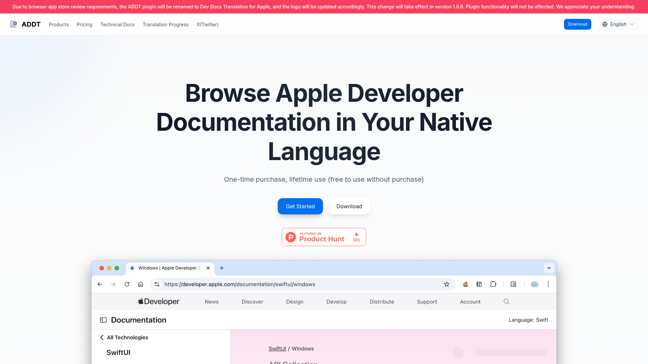

Dev Docs Translation for Apple


Bocca
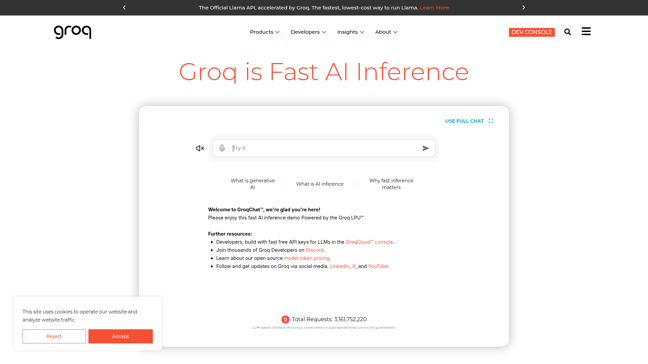
Groq


Symbl.ai


Devwares

