


ScheduledApp - Automate your messaging effortlessly
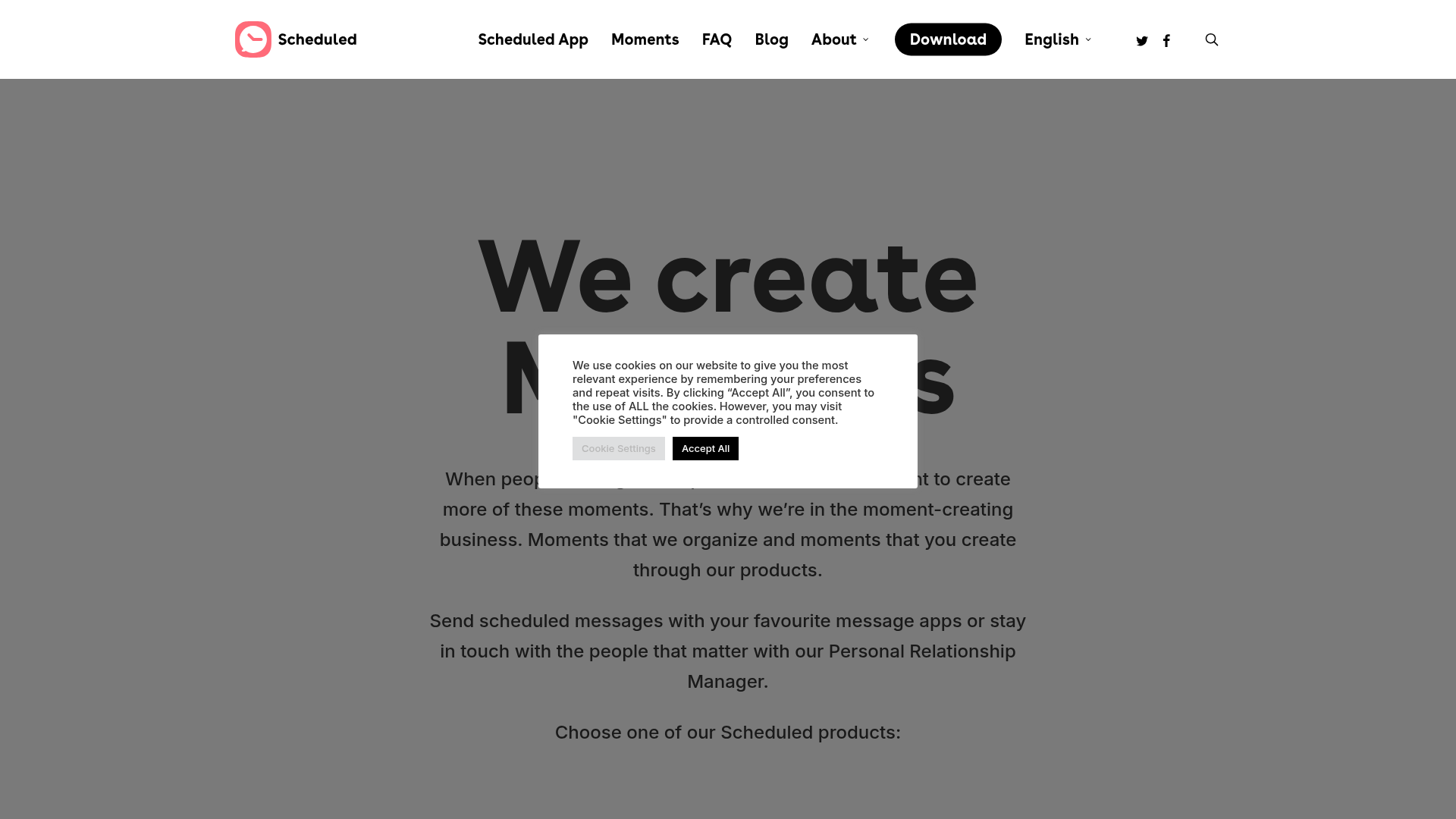
ScheduledApp functions by integrating seamlessly with several messaging platforms, providing users with a streamlined method to schedule messages.
- Users select their preferred platform (iMessage, WhatsApp, Telegram, SMS, Email).
- Compose a message with various customization options.
- Choose a specific date and time for the message to be sent.
- Review and confirm the scheduled message.
- The app will automatically send the message at the designated time, eliminating the need for manual sending.
- ScheduledApp saves users time and ensures important communications are not forgotten.
To utilize ScheduledApp, begin by downloading it from your preferred app store. Once installed, open the app and complete the following steps:
- Create an Account: Sign up using your email or social media accounts.
- Choose Your Platform: Select which messaging platform you’d like to use to send your scheduled messages.
- Compose Your Message: Enter the text you wish to send. You can also attach images or set reminders.
- Schedule Your Sending Time: Choose the exact time and date you want your message to go out.
- Confirm Your Schedule: Review your scheduled messages in the app to ensure everything is correct.
- Enjoy Effortless Communication: Sit back and let ScheduledApp handle your messaging needs while you focus on other tasks. ScheduledApp ensures that you never miss sending an important message or reminder easily.
In conclusion, ScheduledApp revolutionizes the way you communicate by allowing effortless scheduling of your messages across multiple platforms. With its intuitive interface and powerful functionalities, it empowers you to stay in touch without the hassle of manual texting. Experience the convenience today with ScheduledApp, where effective communication meets innovation.
Features
Multi-Platform Support
Schedule messages on iMessage, WhatsApp, Telegram, SMS, and Email all from one place.
User-Friendly Interface
Easily navigate our app with simple and intuitive controls.
Custom Reminders
Set reminders for important messages, ensuring nothing is forgotten.
Automated Sending
Messages are sent automatically at the scheduled time, easing the communication process.
Personal Relationship Manager
Manage your contacts and relationships effectively with our built-in tools.
Data Security
Your data is protected with top-level encryption for peace of mind.
Use Cases
Personal Reminders
Use ScheduledApp to send reminders for birthdays, anniversaries, and other significant personal events.
Business Follow-ups
Automate follow-up messages to clients and leads to ensure timely communication.
Event Planning
Schedule messages to update attendees about event details and reminders.
Team Communication
Keep your team informed by scheduling regular updates and check-ins.
Healthcare Notifications
Send appointment reminders and important health updates to patients effectively.
Educational Outreach
Use ScheduledApp to send homework reminders and important announcements to students.
FAQs
Traffic(2025-07)
Monthly Traffic
Traffic Source
Top Keywords
| Keyword | Traffic | Volume | CPC |
|---|---|---|---|
| schedule sms onlione | 110 | 120 | - |
| scheduled sms messages | 80 | 80 | - |
| scheduled app | 50 | 40 | - |
| scheduled | 30 | 27120 | 2.01 |
| programmare messaggi whatsapp | 20 | 1320 | 0.59 |
Source Region
Whois
| Domain | scheduledapp.com |
| Creation Date | 2025-11-02 18:08:15 |
| Last Updated | 2025-01-22 06:17:16 |
| Domain Status | clienttransferprohibited, //icann.org/epp |
| Registrar | Key-Systems GmbH |
| Registrar IANA ID | 269 |
| Registrar URL | http://www.key-systems.net |
Featured Products

HypeAuditor

Animaker

Glarity

LogoAI

2short.ai

CrewAI

Publer

beehiiv
Related Categories
Copy embed code
Alternative Products


TweetCloner


Fabrile


Toolbit AI


SchedPilot


Falcon LLM
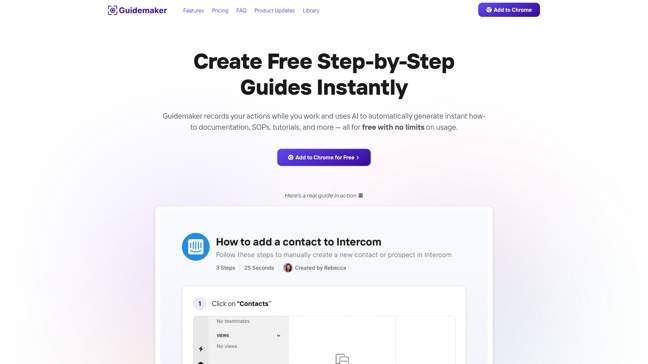

Guidemaker
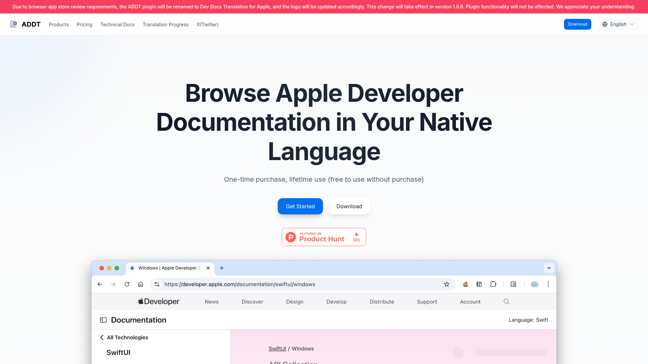

Dev Docs Translation for Apple
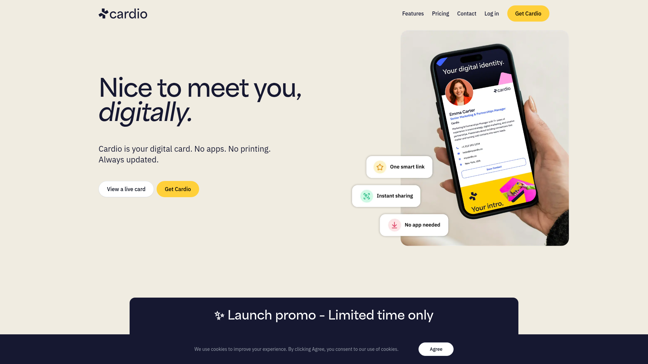

Cardio

