


Eraser - Create amazing diagrams effortlessly
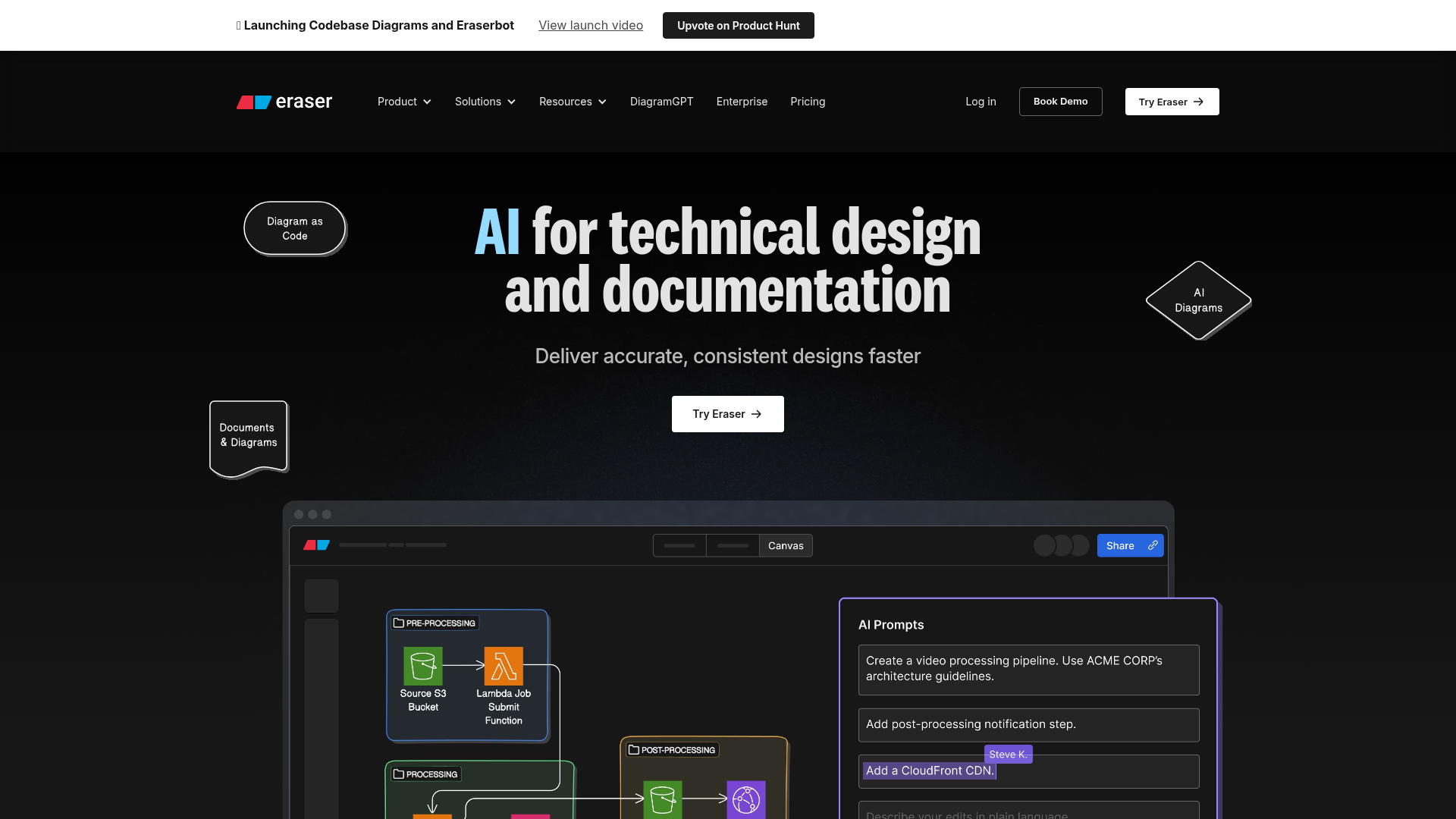
Eraser operates on the principle of simplicity and functionality, allowing users to focus on their ideas rather than the tool itself. For a seamless experience, Eraser incorporates several features:
- Diagram-as-Code: Create diagrams directly from code snippets, ensuring clarity and maintainability.
- Markdown Support: Format notes in Markdown to guarantee that your data is portable and under your control.
- Export Options: Save diagrams as PNG, SVG, PDF, or Markdown, making it easy to share and present your work.
- Integration with GitHub: Directly add diagrams into GitHub README files, streamlining collaboration.
- Version History: Automatically saved snapshots give peace of mind and safety, letting you revert to previous states easily.
- Robust Security: SOC 2 Type II certified, with annual penetration testing to keep your data secure.
To leverage Eraser to its full potential, follow these simple steps:
- Sign Up/Log In: Create an account or log into your existing account at Eraser.
- Create a New Diagram: Begin by selecting 'Create New Diagram' from the dashboard.
- Use Diagram-as-Code: Input your diagram code directly into the provided text editor, utilizing the seamless integration of code and visuals.
- Format with Markdown: Add annotations or notes using Markdown formatting. This allows easy embedding of additional information or links.
- Customize Your Diagram: Utilize the intuitive drag-and-drop interface to adjust and arrange elements as needed, enhancing layout clarity.
- Save and Export: Once completed, save your work and select an export format such as PNG, SVG, PDF, or Markdown according to your needs.
- Integrate and Share: If using GitHub, seamlessly send your diagram directly to your repositories, promoting immediate collaboration and version control.
- Collaboration: Invite team members to view or edit your diagrams, enabling real-time collaboration and feedback.
- Version Control: Utilize the built-in version history to track changes and revert if necessary.
- Explore Features: Regularly check for new features or updates within Eraser to enhance your workflow further.
Eraser redefines how we think about diagramming. With its user-friendly interface, powerful integration capabilities, and robust security features, it's no wonder that both individuals and large companies trust Eraser for their diagramming needs. Step out of the chaos of traditional diagramming tools and experience the clarity and efficiency that comes with Eraser.
Features
Diagram-as-Code
Create and manage diagrams programmatically, making them easy to maintain and update.
Markdown Support
Format all your notes in Markdown, ensuring your data remains portable and fully controlled.
Automatic Version History
Never lose your work with auto-saved snapshots, allowing easy tracking of changes.
GitHub Integration
Directly create and edit diagrams in your GitHub repositories for seamless collaboration.
Multiple Export Formats
Save your diagrams in PNG, SVG, PDF, and MD formats, ensuring flexibility in sharing.
Advanced Security Features
SOC 2 Type II certified and equipped with SAML SSO, ensuring your data stays protected.
Use Cases
Software Development Teams
Streamline your software design process by utilizing Eraser for creating detailed architectural diagrams that can be integrated directly into your codebase.
Technical Documentation
Easily illustrate complex concepts in user manuals or technical documentation with Diagrams generated seamlessly within Eraser.
Education
Utilize Eraser to visualize concepts in classroom presentations, making learning more engaging and interactive.
Remote Team Collaboration
Facilitate better collaboration among remote teams by using Eraser for shared diagramming sessions with real-time edits.
Marketing Strategy Planning
Create visual representations of marketing strategies such as funnels and user journeys, simplifying the planning phase.
Product Management
Present product roadmaps and feature specifications clearly using intuitive diagrams made with Eraser.
FAQs
Traffic(2025-07)
Monthly Traffic
Traffic Source
Top Keywords
| Keyword | Traffic | Volume | CPC |
|---|---|---|---|
| eraser | 24360 | 101040 | 0.30 |
| eraser io | 16250 | 17390 | 1.74 |
| eraser ai | 5600 | 7960 | 0.24 |
| diagramgpt | 4900 | 6510 | 2.53 |
| diagram gpt | 3180 | 5640 | 1.35 |
Source Region
Whois
| Domain | www.eraser.io |
Featured Products

Storydoc

Groq

HypeAuditor

Kittl

Tableau

DesignEvo

Looka

FuseBase
Related Categories
Copy embed code
Alternative Products


Sopa


Fast Brat Generator


DNSRedo


Wplace Paint Tool


SparkIcon AI


Illustro


Flux AI Image Generator


Dev Docs Translation for Apple

