


Lion Browser - Safe and accountable browsing experience
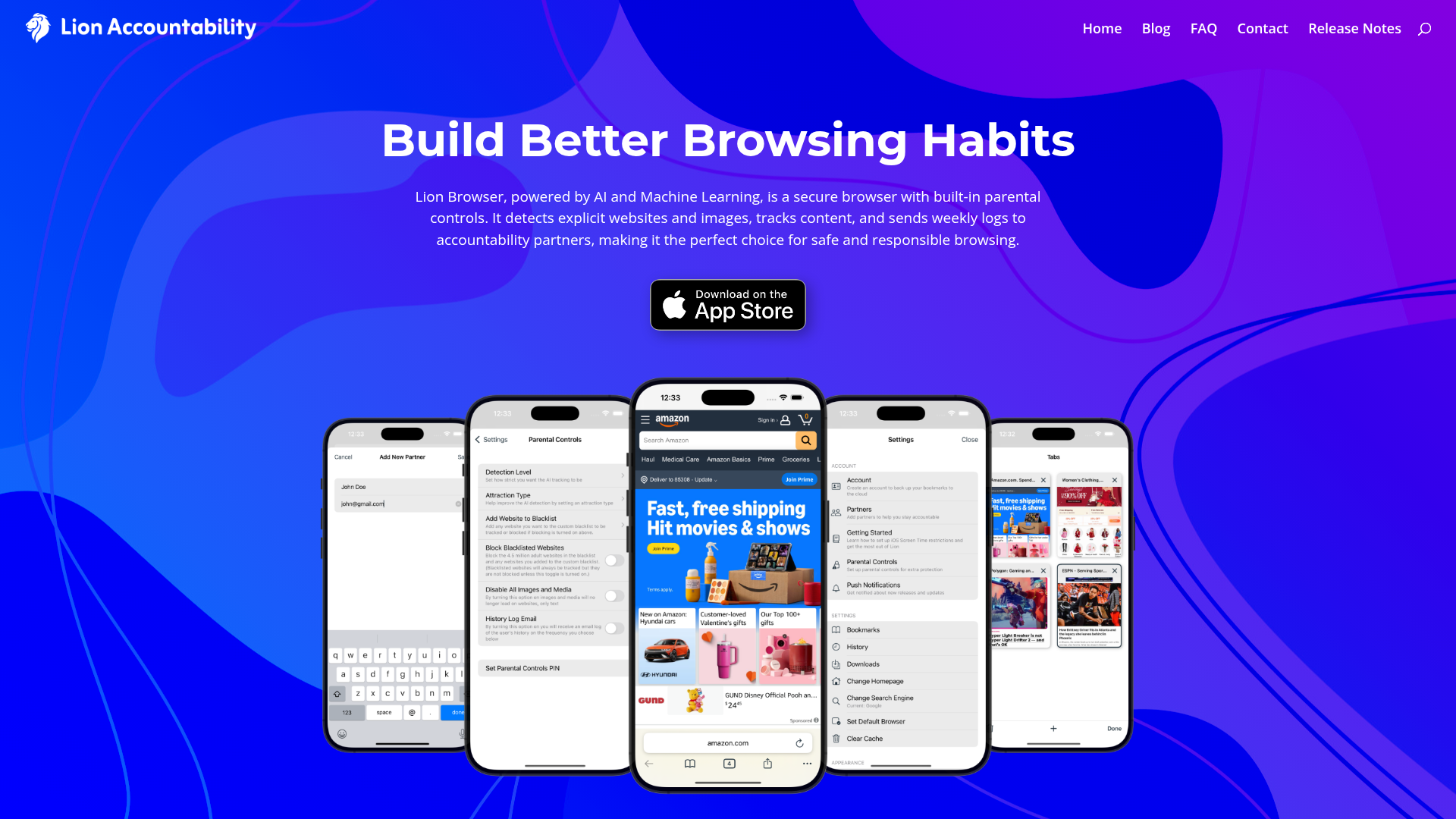
Lion Browser combines cutting-edge technology with user-friendly features to deliver a comprehensive browsing solution. The core principles of Lion Browser revolve around AI-powered detection, robust parental controls, and enhanced privacy. Here’s how it works:
- Real-Time AI Detection: The browser utilizes advanced AI algorithms to analyze web pages and images instantaneously. This allows for immediate identification and flagging of explicit content, ensuring users are well protected during their browsing sessions.
- Extensive Blacklist: With a constantly updated blacklist that currently encompasses over 4.5 million adult websites, Lion Browser enables users to track, block, or customize their own filters for a personalized browsing experience.
- Local Data Storage: All browsing logs and data are kept securely on the user’s device, with no reliance on cloud services, enforcing strict privacy measures that protect user information from unauthorized access.
- Customizable Parental Controls: Users can easily tailor their parental control settings, including sensitivity levels for detection and media restrictions, ensuring that the browser aligns with their specific needs.
- Accountability Features: The browser includes options to send daily or weekly reports of flagged content to accountability partners, fostering a culture of transparency and support for responsible browsing.
- PIN Protection: Users can set up PIN-protected settings, preventing unauthorized alterations and ensuring consistency in their filtering preferences.
- Performance Optimized: Lion Browser is designed to operate swiftly, maintaining fast page loading times while ensuring all security protocols remain active in the background.
Setting up Lion Browser is a straightforward process that empowers you with the tools needed for safe online browsing. Here’s how to get started:
- Download Lion: Head to the App Store and search for Lion Browser. Once located, click on 'Download' and wait for the installation to complete. After installation, open the app and allow necessary permissions to ensure optimal functionality.
- Select Accountability Partners: The first step post-installation involves choosing accountability partners. These are individuals who will receive your browsing logs. You can add multiple partners to widen your support network. This feature promotes transparency and encourages healthier online habits.
- Customize Parental Controls: In the settings menu, adjust options related to detection levels and content blocking. This customization allows you to align controls with the needs of your family or personal preferences. Implement PIN protection for these settings to guard against unauthorized changes.
- Disable Other Browsers: To maximize security, it’s advisable to disable any other browsers like Safari. Access the Screen Time settings in your device and navigate to Content & Privacy Restrictions to disable Safari completely. This ensures that all browsing is funneled through Lion Browser for effective tracking.
- Restrict App Downloads: Further enhance your control by setting parameters for app downloads. By requiring approval for new downloads or enabling the 'Ask to Buy' feature, you can prevent any bypassing of the restrictions you've set in place.
- Explore Browser Features: After setup, take time to explore the various features and functionalities of Lion Browser. Familiarize yourself with the interface, making note of the options available for customizing your browsing experience. Additionally, leverage the tips and tricks offered within the app for best practices on safe usage.
- Monitor Regular Reports: Utilize the reporting feature to ensure accountability. Set the frequency of reports according to your needs and connect with your accountability partners regularly to discuss your browsing habits.
By following these steps, you can set up Lion Browser in no time, ensuring a safer, more accountable online experience.
Lion Browser stands as a pillar of safe and responsible browsing, making it an indispensable tool for those seeking privacy and accountability online. With its unique combination of AI detection, customizable controls, and user-friendly interface, Lion Browser empowers families and individuals to navigate the digital landscape without fear of exposure to explicit content. Through its local data storage and accountability features, it fosters transparency and trust among users and their support networks. Explore the countless benefits of using Lion Browser today, and experience secure, fast, and responsible browsing like never before.
Features
AI-Powered Detection
Real-time analysis of websites and images to flag explicit content, keeping users safe during their browsing sessions.
Extensive Blacklist
Access a constantly updated list of over 4.5 million adult websites, ensuring users can block or track their online experience.
Local Data Storage
All browsing logs are securely stored on the device, promoting privacy and preventing unauthorized access.
Customizable Parental Controls
Easily tailor detection sensitivity and filter settings to match family needs and preferences.
Accountability Reports
Enable daily or weekly logs that are sent to accountability partners for enhanced transparency.
PIN Protection
Secure settings with a PIN to prevent unauthorized changes and maintain consistent filtering.
Use Cases
Family Use
Ensure a safe browsing environment for your children by utilizing Lion Browser’s parental controls and content filtering to manage what they can access.
Student Research
Students can use Lion Browser to conduct research safely, benefiting from the explicit content filters to stay focused and avoid harmful distractions.
Personal Use
Individuals looking for secure browsing can utilize Lion Browser to protect their privacy while enjoying a smooth and efficient online experience.
Shared Devices
For households sharing devices, Lion Browser allows for personalized settings and profiles ensuring everyone can maintain their own privacy and security.
Work Environment
Using Lion Browser in a professional setting can enhance productivity while ensuring online safety, free from distracting or inappropriate content.
Digital Habits Improvement
Lion Browser can help users improve their digital habits by tracking browsing activity and promoting accountability among partners.
FAQs
Whois
| Domain | lionbrowser.app |
| Creation Date | 2026-09-02 18:11:29 |
| Last Updated | 2025-02-25 07:01:30 |
| Domain Status | ok, //icann.org/epp |
| Registrar | eNom, Inc. |
| Registrar IANA ID | 48 |
| Registrar URL | http://www.enom.com |
| Registrant Organization | Data Protected |
| Registrant State | AZ |
| Registrant Country | US |
Featured Products

Seismic

HypeAuditor

Connected Papers

Onfido

PolyAI

Tableau

TopViewAI

TheresanAiForThat
Related Categories
Copy embed code
Alternative Products


Influsfera


Nemotron
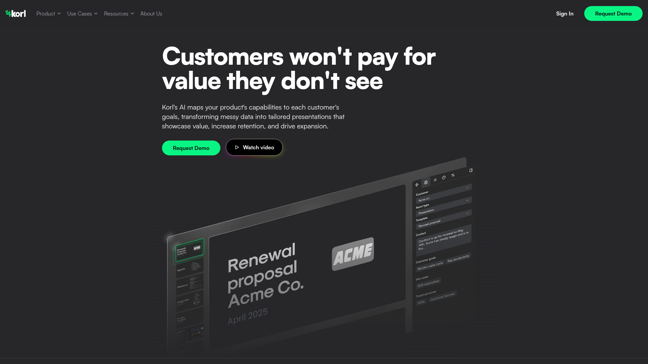

Korl

Seismic
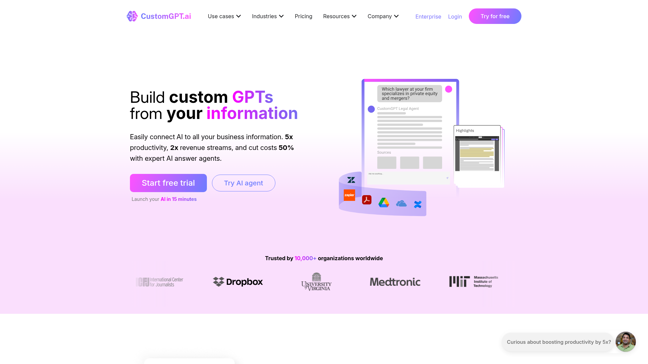

CustomGpt
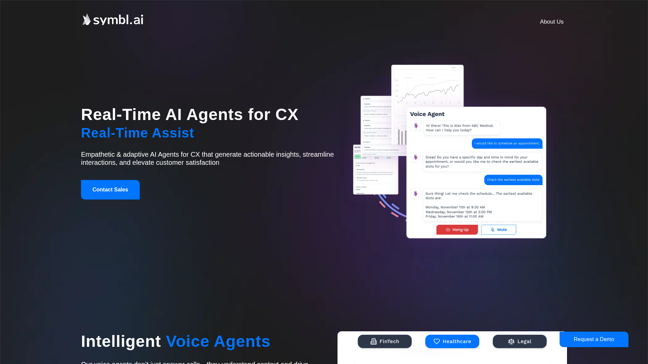

Symbl.ai
HypeAuditor


AskeyGeek

