


GptPlus - Effortless AI assistance at your fingertips
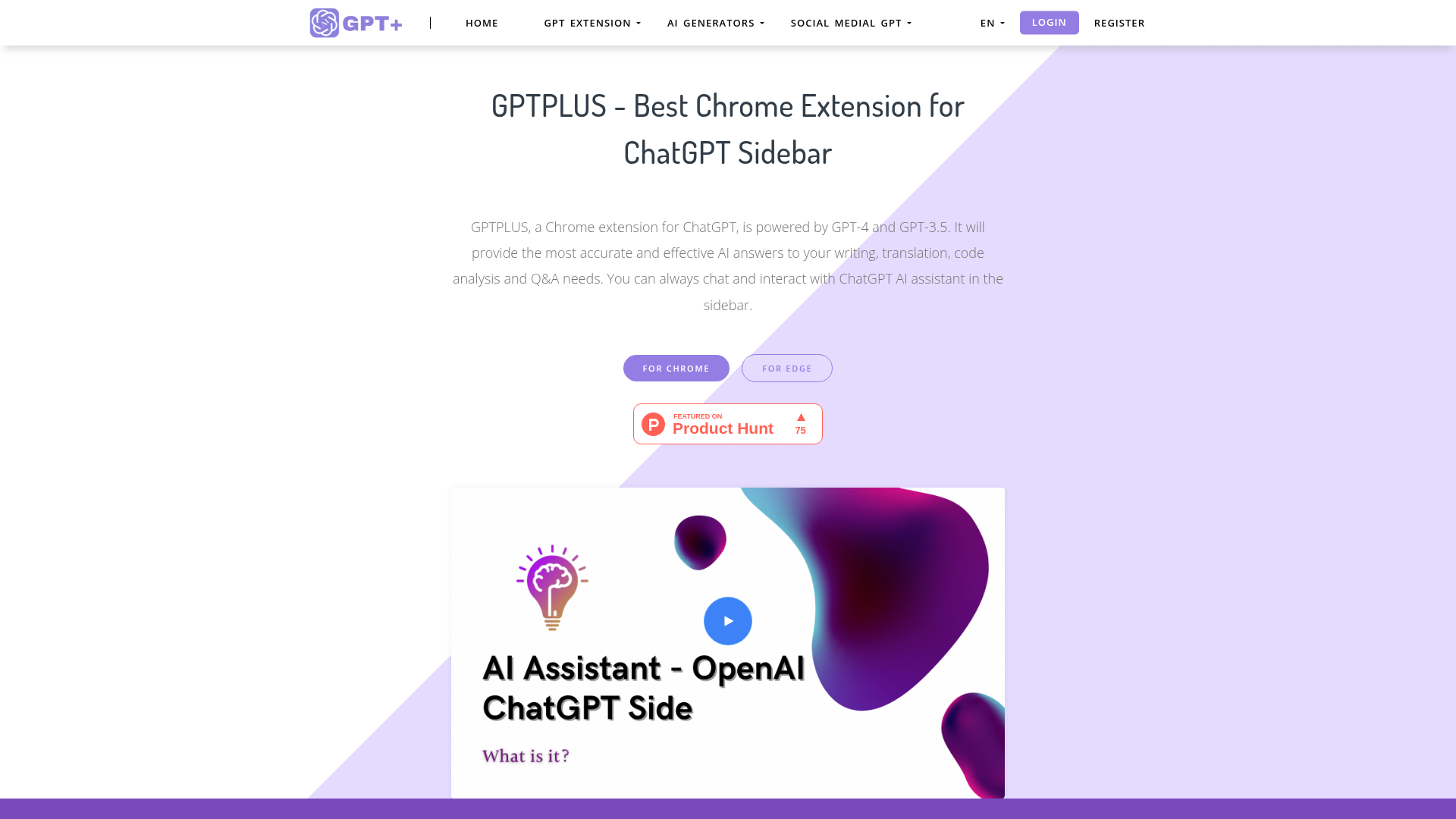
GptPlus operates by seamlessly integrating with your web browser, allowing you to access advanced AI functionalities with a simple click. Here's how:
- AI-Powered Responses: Tap into the vast knowledge of ChatGPT to generate answers for your queries, write content, and receive translations quickly.
- One-Click Text Processing: Select any text on a webpage and instantly optimize, translate, or interpret it without needing to switch contexts.
- Customizable Prompts: Use predefined prompts or create your own to tailor your questions, enhancing the relevance and precision of the responses.
- Persistent Chat Interface: Maintain a continuous conversation with the AI in the sidebar, allowing for a fluid interaction that doesn't disrupt your workflow.
- Browser Support: GptPlus works seamlessly in both Chrome and Edge, making it accessible for a wide range of users across platforms.
- User-Centric Design: The intuitive interface prioritizes user experience, making it easy for anyone to harness the power of AI irrespective of their technical background.
Using GptPlus is simple and intuitive, making it accessible for everyone, even those new to AI tools. Here’s a step-by-step guide:
- Install the Extension: Go to the Chrome or Edge web store, search for GptPlus, and install the extension to your browser.
- Pin the Extension: After installation, pin GptPlus to your bookmarks for easy access anytime you’re browsing.
- Engage with Prompts: Open the sidebar, browse through the predefined prompts, and select one that fits your need or create your own customized prompt for specific tasks.
- Select Text for Processing: When you come across text on a webpage that you want to process, simply highlight it and click the GptPlus icon to access one-click processing options such as optimizing or translating text.
- Chat Anytime: You can chat with ChatGPT at any time within the sidebar, maintaining a chat log that allows you to revisit previous discussions or inquiries.
- Manage Your Chats: Utilize the chat history feature to review past interactions, which helps in collecting information or follow-ups for ongoing projects, ensuring nothing is forgotten as you work.
In conclusion, GptPlus is not just a tool; it’s your go-to assistant for enhancing productivity and creativity in the digital landscape. With its straightforward integration into your browsing experience, you can easily access AI capabilities to aid in your writing, translation, and information gathering. Whether you're a student, professional, or anyone in between, GptPlus empowers you with features that adapt to your needs, ultimately streamlining your workflow and elevating your interaction with AI. Explore GptPlus today and see how it can transform the way you work online.
Features
Creative Prompt Library
Access a variety of built-in prompts to enhance your queries and receive more accurate responses.
One-Click Processing
Quickly process selected text for translation, optimization, or analysis with a single click.
Sidebar Chat Interface
Engage with ChatGPT through a user-friendly sidebar, keeping all conversations at your fingertips.
Customizable User Prompts
Create and save your personalized prompts to tailor your experience.
Cross-Browser Compatibility
Available as an extension for both Chrome and Edge, broadening accessibility.
Chat History Management
Easily manage and revisit past conversations to streamline workflows.
Use Cases
Research Assistance
Use GptPlus to quickly gather information and streamline your research process by processing texts with AI assistance.
Content Creation
Optimize your writing with GptPlus by utilizing the creative prompt library to generate ideas and enhance content accuracy.
Language Translation
Quickly translate texts and phrases while browsing, making communication in different languages easier.
Email Drafting
Draft professional emails efficiently by using GptPlus to generate content and ensure clarity and correctness.
Social Media Management
Engage in social media interactions by responding with personalized messages crafted with the help of GptPlus.
Coding Help
Get explanations and optimizations for coding issues with GptPlus, making debugging a breeze.
FAQs
Traffic(2025-07)
Monthly Traffic
Traffic Source
Top Keywords
| Keyword | Traffic | Volume | CPC |
|---|---|---|---|
| gerador de historia porno | 210 | - | |
| ai r18 文章 無料 | 170 | 250 | - |
| free ai image generator like chat gpt | 100 | - | |
| nsfw story generator | 80 | 1850 | 1.18 |
| story writer ai nsfw | 60 | 350 | - |
Source Region
Whois
| Domain | gptplus.io |
| Creation Date | 2026-02-22 08:31:26 |
| Last Updated | 2025-02-28 03:53:57 |
| Domain Status | clientdeleteprohibited, clientrenewprohibited, clienttransferprohibited, clientupdateprohibited, autorenewperiod, //icann.org/epp |
| Registrar | GoDaddy.com, LLC |
| Registrar IANA ID | 146 |
| Registrar URL | http://www.godaddy.com/domains/search.aspx?ci=8990 |
| Registrant Organization | Domains By Proxy, LLC |
| Registrant State | Arizona |
| Registrant Country | US |
Featured Products

XXAI

HypeAuditor

Happy Scribe

Animaker

Humanize AI

Surfer

Glarity

LogoAI
Related Categories
Copy embed code
Alternative Products


TweetCloner


Fabrile


Dolphinscribe


Toolbit AI


Nemotron


BlogBuster

XXAI


Falcon LLM

