


AI Video Subtitler - AI Video Subtitler
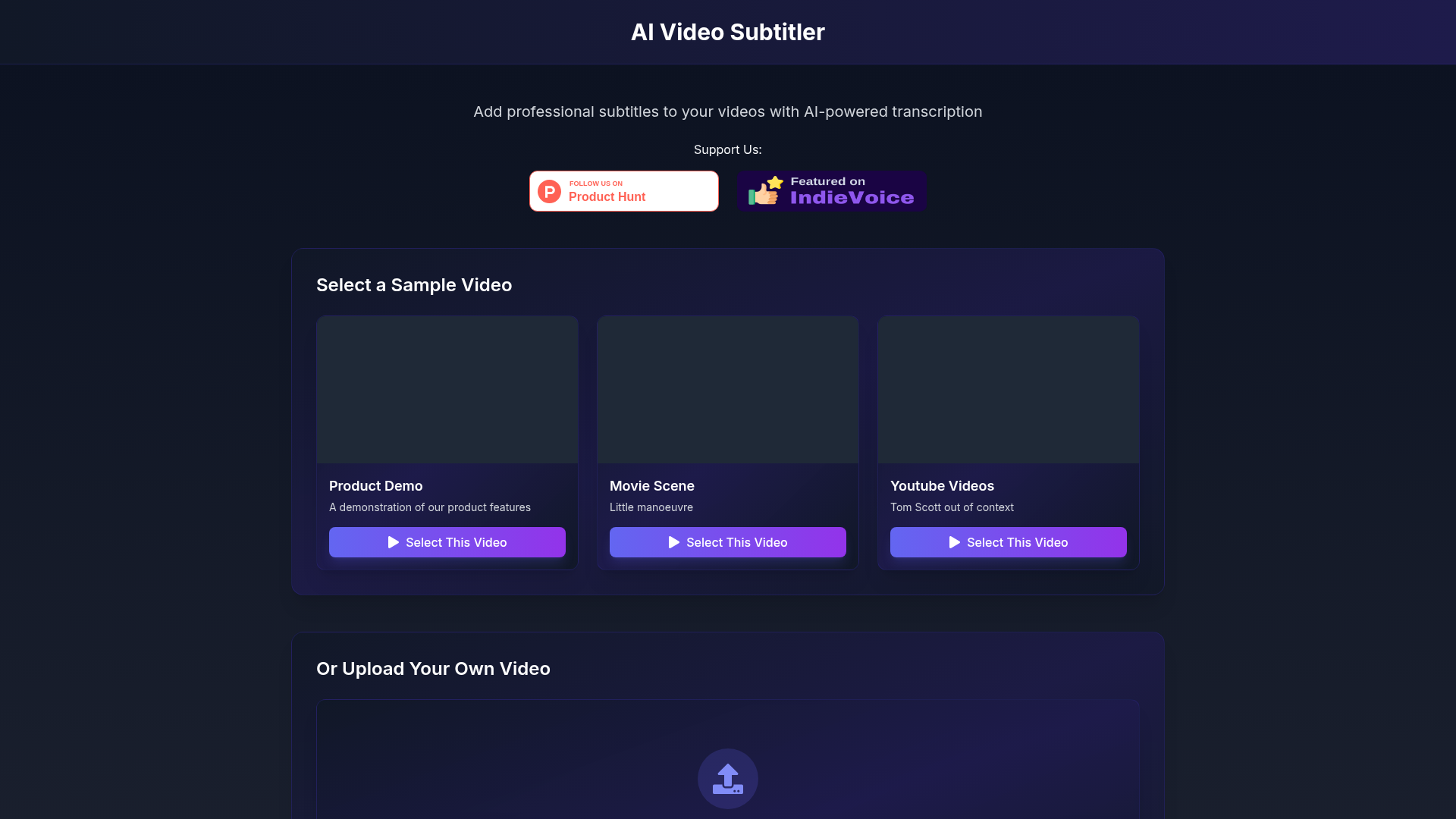
AI Video Subtitler harnesses the power of artificial intelligence to transcribe spoken content into text accurately. By utilizing advanced machine learning algorithms and natural language processing, the following steps are undertaken:
- Video Input: Users either select from sample videos or upload their own.
- Transcription: The AI analyzes audio tracks to transcribe dialogue into written form, ensuring precision.
- Synchronization: Subtitles are synchronized with the audio to ensure timely appearance during playback.
- Customization: Users can customize subtitle appearance, including font, size, color, and positioning on the screen, tailored to their brand or personal preference.
- Output: Once satisfied with the subtitles, users can download the video with subtitles directly or export the subtitle file for use in other projects.
To start using AI Video Subtitler, follow these simple steps:
- Visit the Website: Navigate to the AI Video Subtitler website where you’ll find an intuitive interface ready for use.
- Select or Upload Video: Choose a sample video from our library or upload your own video file. Supported formats include MP4, MOV, and AVI.
- AI Transcription: Once your video is selected, click on the generate subtitles button. The AI will quickly process the audio to create accurate subtitles.
- Customize Subtitles: After the subtitles are generated, you'll have the option to customize their appearance. Adjust the font, size, style, and positioning to ensure they suit your video's theme.
- Preview: Review the subtitled video within the platform to check for accuracy and design.
- Download: Once satisfied, simply download the completed video with your professional subtitles or export the subtitle file.
By following these straightforward steps, you can enhance your video content effectively and enjoy a professional finish.
In summary, AI Video Subtitler is an essential tool for anyone looking to improve the accessibility and engagement of their videos. With AI-powered transcription technology, users can add professional subtitles effortlessly, reducing the time and effort required for traditional subtitling methods. The ability to customize subtitle styles and positions ensures each video maintains its unique character. Start using AI Video Subtitler today and see how easy it can be to enhance your content with professional subtitles!
Features
AI-powered subtitle generation
Leverages artificial intelligence to transcribe audio into accurate subtitles effortlessly.
Custom subtitle styling
Provides options to adjust font, size, color, and position for personalized subtitle appearance.
Flexible positioning
Allows users to place subtitles anywhere on the video, enhancing visibility and aesthetic.
Fast processing
Generates subtitles quickly, saving valuable time in video production.
User-friendly interface
Designed for all users, no technical skills needed for effective use.
Support for multiple video formats
Compatible with various video formats such as MP4, MOV, and AVI for broader usability.
Use Cases
YouTube Creators
Your content can reach a wider audience with well-structured subtitles, improving accessibility and engagement.
Educational Videos
Adding subtitles enhances learning materials, making them more comprehensible for diverse learners.
Marketing Videos
Subtitles in promotional videos help convey messages clearly, even without sound, capturing viewer attention effectively.
Social Media Videos
With subtitles, your content stands out on platforms where users often scroll with muted audio.
Corporate Presentations
Ensure audiences fully comprehend your content in presentations by adding clear, professional subtitles.
Film and Video Production
Speed up the post-production process by automating the subtitling step, allowing focus on creative aspects.
FAQs
Whois
| Domain | subtitles.2vid.ai |
Featured Products

Neural Frames

Storydoc

Seismic

HypeAuditor

PromptHero

Happy Scribe

TopViewAI

Pictory
Related Categories
Copy embed code
Alternative Products


TweetCloner


Fabrile


Dolphinscribe


Toolbit AI


MMAudio


Nemotron

Neural Frames


Seedance AI

